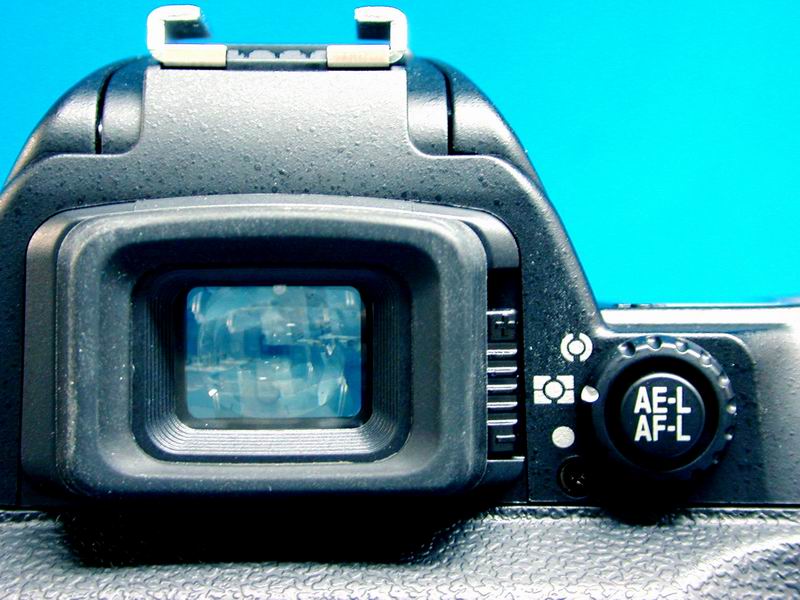
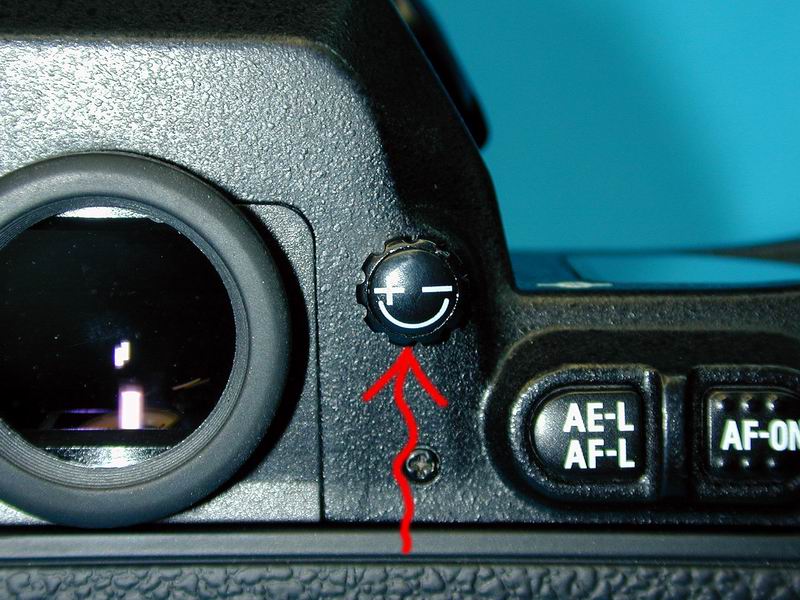
If the camera view finder appears un-sharp but the image is sharp on the computer it's probably a diopter setting. Most SLR units (and some compacts) have a diopter correction that allows you to correct the viewing/focus for your eye sight. This is a helpful feature that allows you to focus with out your glasses.
The diopter is generally located next the view finder of the camera, it is labeled with a + - and will typically alter 2-3 diopter corrections. To alter you diopter remove the lens and move the adjustment diopter until the lines in the view finder appear sharp.